Blab Tech
Apple Unveils iOS 27: Stability-Focused Update with Siri 2.0 and Expanded Accessibility
Apple unveiled iOS 27 during its WWDC 2026 keynote on June 8, 2026. The operating system will reach the public on September 15, 2026, after a developer beta that launched the same day as the keynote. In Apple’s words, iOS 27 prioritises stability while delivering a major refresh of Siri, new AI‑powered utilities, and a host of refinements to built‑in apps and accessibility tools.
One of the most noticeable changes is the narrowed device support. iOS 27 will run on iPhone 12 and newer models, but the iPhone SE (2nd Gen), iPhone 11, 11 Pro, and 11 Pro Max will no longer receive the update. Apple said the move lets the company focus on newer hardware, unlocking advanced features that older devices cannot support. Owners of the cut‑off models will need to upgrade to a newer iPhone to take advantage of iOS 27’s full feature set.
At its core, iOS 27 offers a suite of performance and usability improvements. The system now includes a Liquid Glass Slider that lets users fine‑tune display settings, and Undo/Redo for home‑screen edits, simplifying layout changes. Split‑Screen multitasking arrives, boosting productivity on larger devices such as the iPhone Pro Max and iPads. Apple emphasised that these tweaks reduce crashes, smooth animations, and improve battery efficiency.
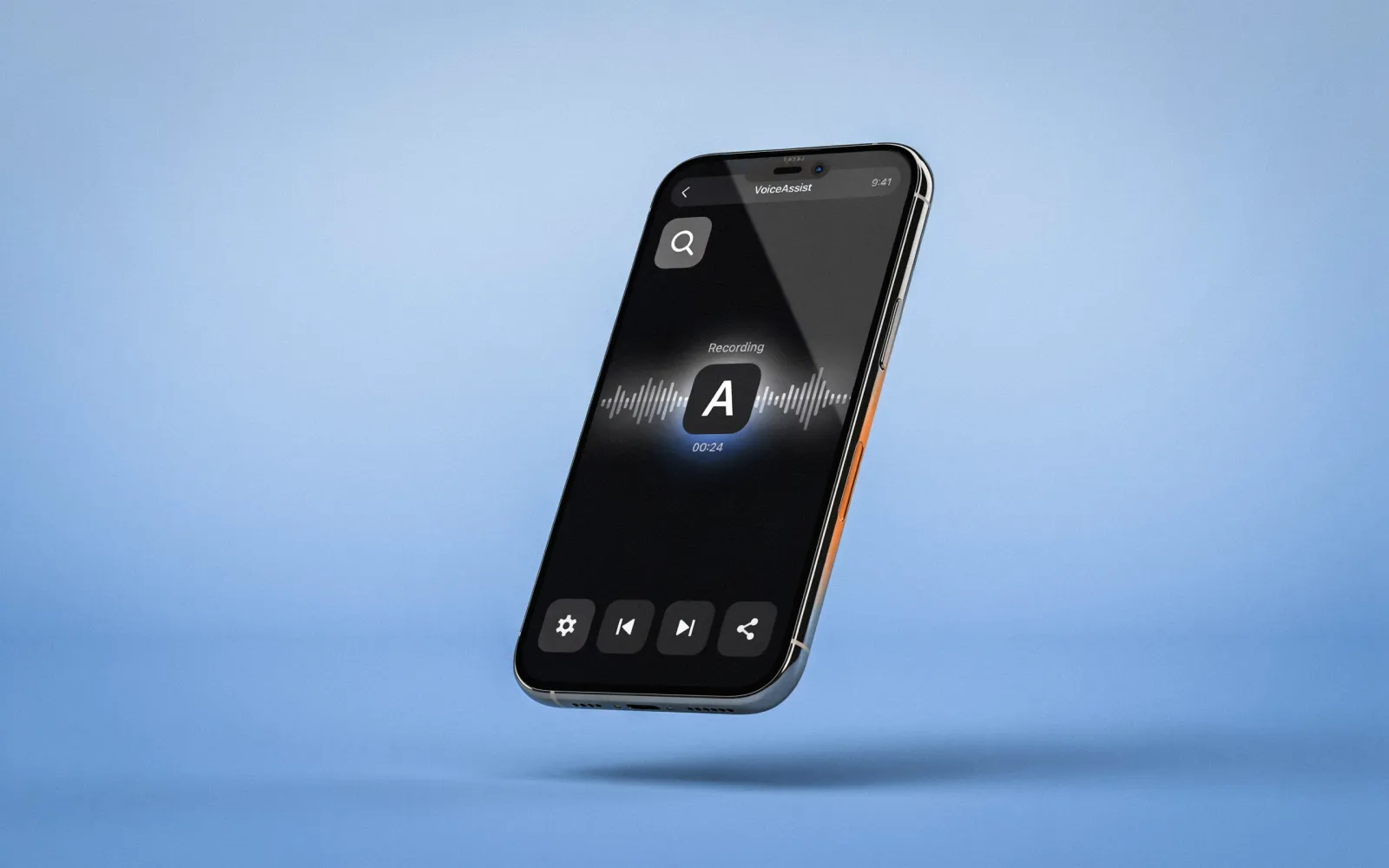
Siri receives a substantial overhaul, now branded Siri 2.0. The assistant incorporates advanced models such as Gemini, enabling document summarisation, conversation management, and more sophisticated task handling. A dedicated Siri Chat app provides a unified interface for voice and text interactions across devices. Apple described the upgrade as a step toward a more context‑aware, personalised assistant.
Accessibility remains a priority. Voice‑Over gains a live recognition mode, and the Magnifier tool receives usability upgrades. Voice Control is enhanced with natural‑language processing for more accurate commands. The Accessibility Reader is updated for easier navigation of complex layouts, and name recognition expands to support 50 additional languages. Hearing Aid Handoff now offers smoother transitions between devices for users with hearing aids.
Built‑in apps also see meaningful updates. Safari introduces intelligent tab‑group naming. The keyboard receives improved autocorrect and a potential dedicated number row. Photos gains advanced editing tools such as reframing and extending images. The camera app now offers customisable widgets and visual‑intelligence features. Weather’s current‑conditions view is redesigned for clarity. Shortcuts supports natural‑language shortcut creation. Calendar incorporates AI‑powered scheduling, and Health receives a redesigned interface with contextual insights.
Apple Intelligence tools are woven throughout iOS 27. Image Playground lets users generate wallpapers and enhance image resolution. Writing Tools add built‑in grammar checking. Visual Intelligence allows scanning of phone numbers, addresses, and food labels directly from the device. Wallet updates include physical pass scanning and bill‑splitting features. According to Apple, these tools require the A17 Pro chip or later, meaning only iPhone 15 Pro and newer models can fully utilise them.
Additional refinements include a battery icon and microphone activity indicator for better device monitoring, a new AirPods menu for easier update management, expanded satellite connectivity for non‑emergency use, and Sony Access Controller support for gaming accessibility.
Overall, iOS 27 delivers a polished, reliable experience rather than a large slate of new features. The update’s focus on stability, performance, and accessibility aligns with Apple’s strategy to keep its ecosystem cohesive while leveraging newer hardware capabilities. Users with compatible devices can expect a smoother, more efficient iOS experience, while those on older models will need to consider upgrading to take advantage of the new features.
Apple will continue to roll out the iOS 27 beta to developers on June 8, with the public release scheduled for September 15. The company has not announced any additional updates or changes beyond those listed. The next major milestone for iOS will likely come with the following year’s release, but for now, iOS 27 represents a measured step forward in Apple’s operating‑system roadmap.
One of the most noticeable changes is the narrowed device support. iOS 27 will run on iPhone 12 and newer models, but the iPhone SE (2nd Gen), iPhone 11, 11 Pro, and 11 Pro Max will no longer receive the update. Apple said the move lets the company focus on newer hardware, unlocking advanced features that older devices cannot support. Owners of the cut‑off models will need to upgrade to a newer iPhone to take advantage of iOS 27’s full feature set.
At its core, iOS 27 offers a suite of performance and usability improvements. The system now includes a Liquid Glass Slider that lets users fine‑tune display settings, and Undo/Redo for home‑screen edits, simplifying layout changes. Split‑Screen multitasking arrives, boosting productivity on larger devices such as the iPhone Pro Max and iPads. Apple emphasised that these tweaks reduce crashes, smooth animations, and improve battery efficiency.
Siri receives a substantial overhaul, now branded Siri 2.0. The assistant incorporates advanced models such as Gemini, enabling document summarisation, conversation management, and more sophisticated task handling. A dedicated Siri Chat app provides a unified interface for voice and text interactions across devices. Apple described the upgrade as a step toward a more context‑aware, personalised assistant.
Accessibility remains a priority. Voice‑Over gains a live recognition mode, and the Magnifier tool receives usability upgrades. Voice Control is enhanced with natural‑language processing for more accurate commands. The Accessibility Reader is updated for easier navigation of complex layouts, and name recognition expands to support 50 additional languages. Hearing Aid Handoff now offers smoother transitions between devices for users with hearing aids.
Built‑in apps also see meaningful updates. Safari introduces intelligent tab‑group naming. The keyboard receives improved autocorrect and a potential dedicated number row. Photos gains advanced editing tools such as reframing and extending images. The camera app now offers customisable widgets and visual‑intelligence features. Weather’s current‑conditions view is redesigned for clarity. Shortcuts supports natural‑language shortcut creation. Calendar incorporates AI‑powered scheduling, and Health receives a redesigned interface with contextual insights.
Apple Intelligence tools are woven throughout iOS 27. Image Playground lets users generate wallpapers and enhance image resolution. Writing Tools add built‑in grammar checking. Visual Intelligence allows scanning of phone numbers, addresses, and food labels directly from the device. Wallet updates include physical pass scanning and bill‑splitting features. According to Apple, these tools require the A17 Pro chip or later, meaning only iPhone 15 Pro and newer models can fully utilise them.
Additional refinements include a battery icon and microphone activity indicator for better device monitoring, a new AirPods menu for easier update management, expanded satellite connectivity for non‑emergency use, and Sony Access Controller support for gaming accessibility.
Overall, iOS 27 delivers a polished, reliable experience rather than a large slate of new features. The update’s focus on stability, performance, and accessibility aligns with Apple’s strategy to keep its ecosystem cohesive while leveraging newer hardware capabilities. Users with compatible devices can expect a smoother, more efficient iOS experience, while those on older models will need to consider upgrading to take advantage of the new features.
Apple will continue to roll out the iOS 27 beta to developers on June 8, with the public release scheduled for September 15. The company has not announced any additional updates or changes beyond those listed. The next major milestone for iOS will likely come with the following year’s release, but for now, iOS 27 represents a measured step forward in Apple’s operating‑system roadmap.